Active integration · Phonet
AI call analytics
through Phonet
HAPP AI works with Phonet. Every call is transcribed and analyzed — and you see how your managers really perform without listening.
HAPP AI works with Phonet. Every call is transcribed and analyzed — and you see how your managers really perform without listening.
Full control over your team's phone communication — without spending a single minute listening to recordings
Analytics
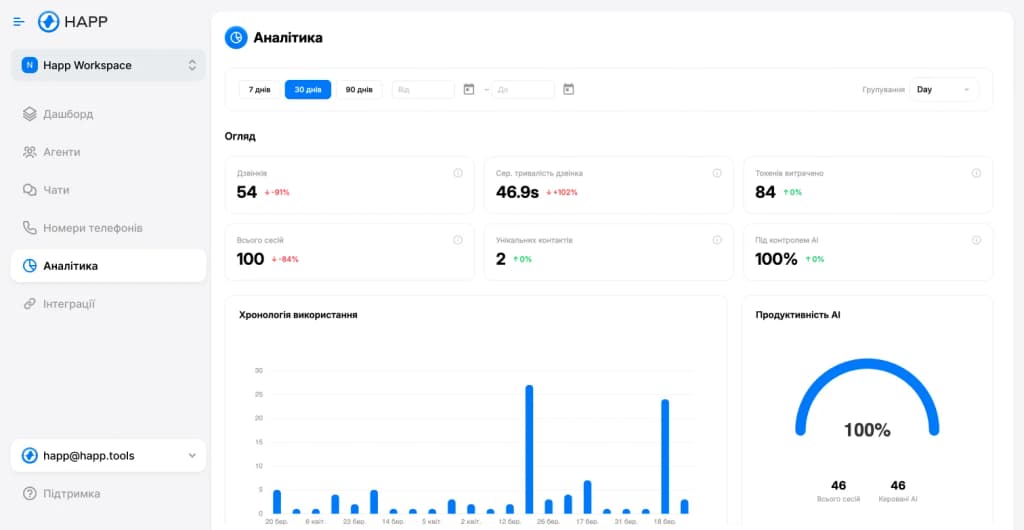
Track call performance, manager scores and team-wide trends
AI evaluates every call against your script and criteria. Scoring without listening.
AI answers calls 24/7. No customer is ever left without a response.
See who on your team is performing and who isn't — one screen instead of hours of listening.
Audio to text, instantly. Find any phrase across hundreds of calls in seconds.
Security
Integrations
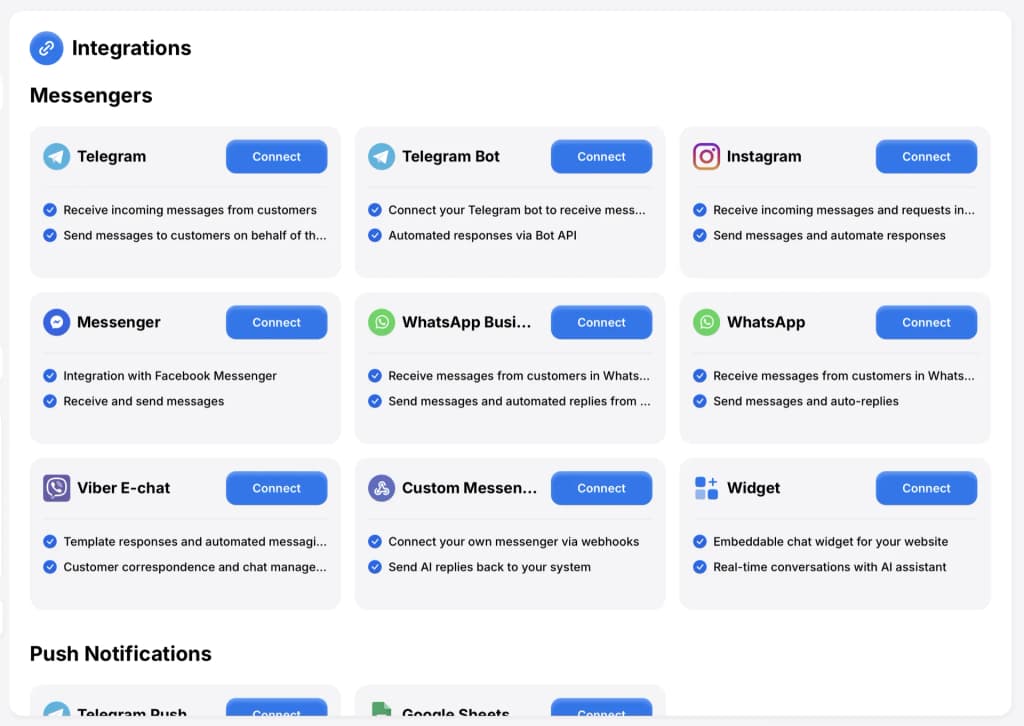
Phonet + Telegram, Viber, Instagram, Facebook, WhatsApp — a single interface for all your communication
HAPP AI analyzes Phonet calls and integrates with popular messengers in one interface


Four steps — from finding Phonet in HAPP to your first call in the transcript.
Step 1: Find the integration
Open Telephony → Phonet
A short checklist — once these four things are in place, the rest takes under 30 minutes.
A working plan with provisioned numbers and admin rights — Phonet only acts on requests from account owners.
The same email you usually use with Phonet — they send the API keys only to the account owner's address.
Create the Phonet integration inside HAPP — you'll get a unique webhook URL to paste into the email to support.
Where exactly to find it?Sign up at my.happ.tools on any plan that includes voice analytics. One account, any number of phone lines.
Three simple steps — from requesting keys at Phonet to the «Connected» state in HAPP.
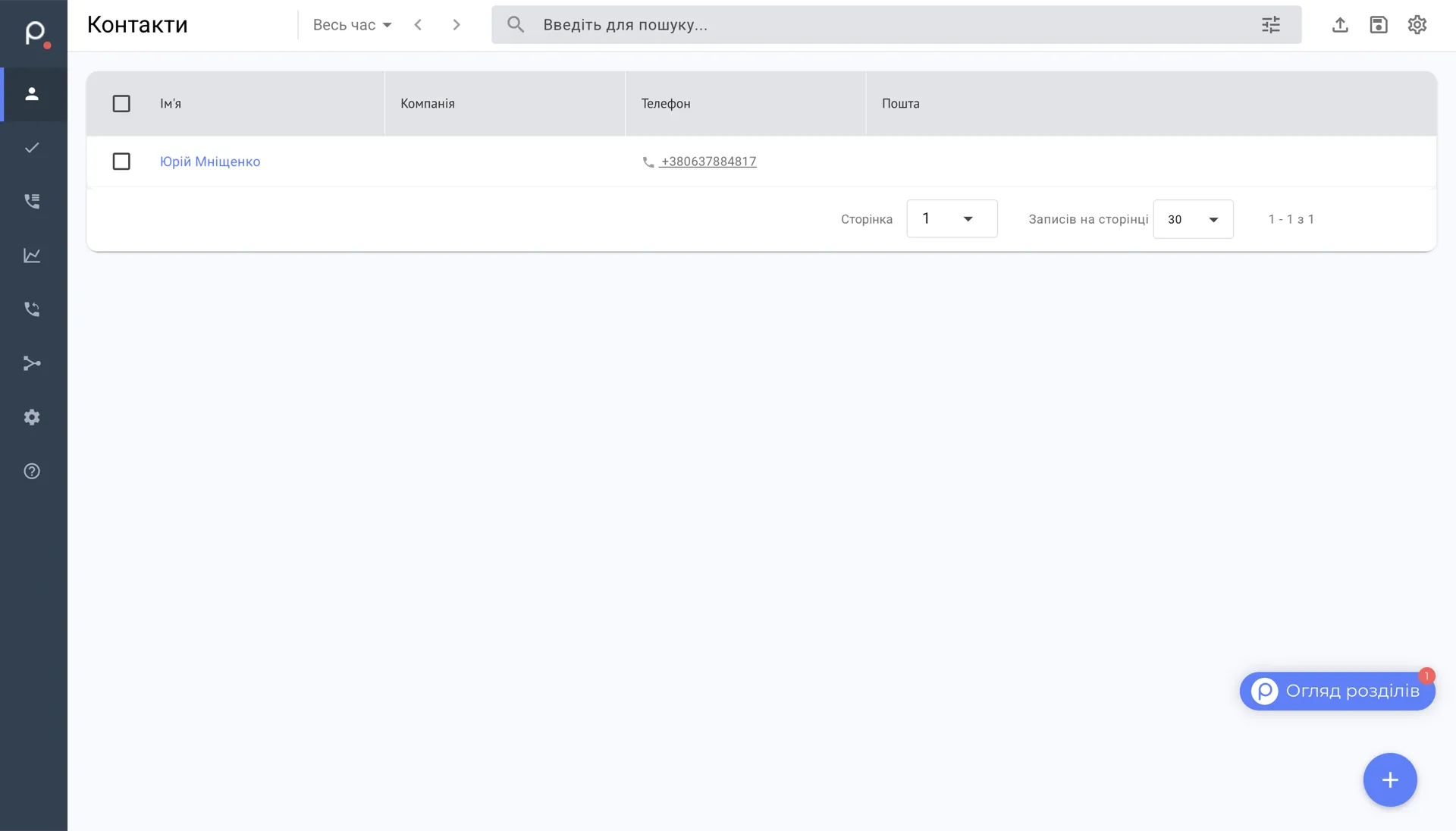
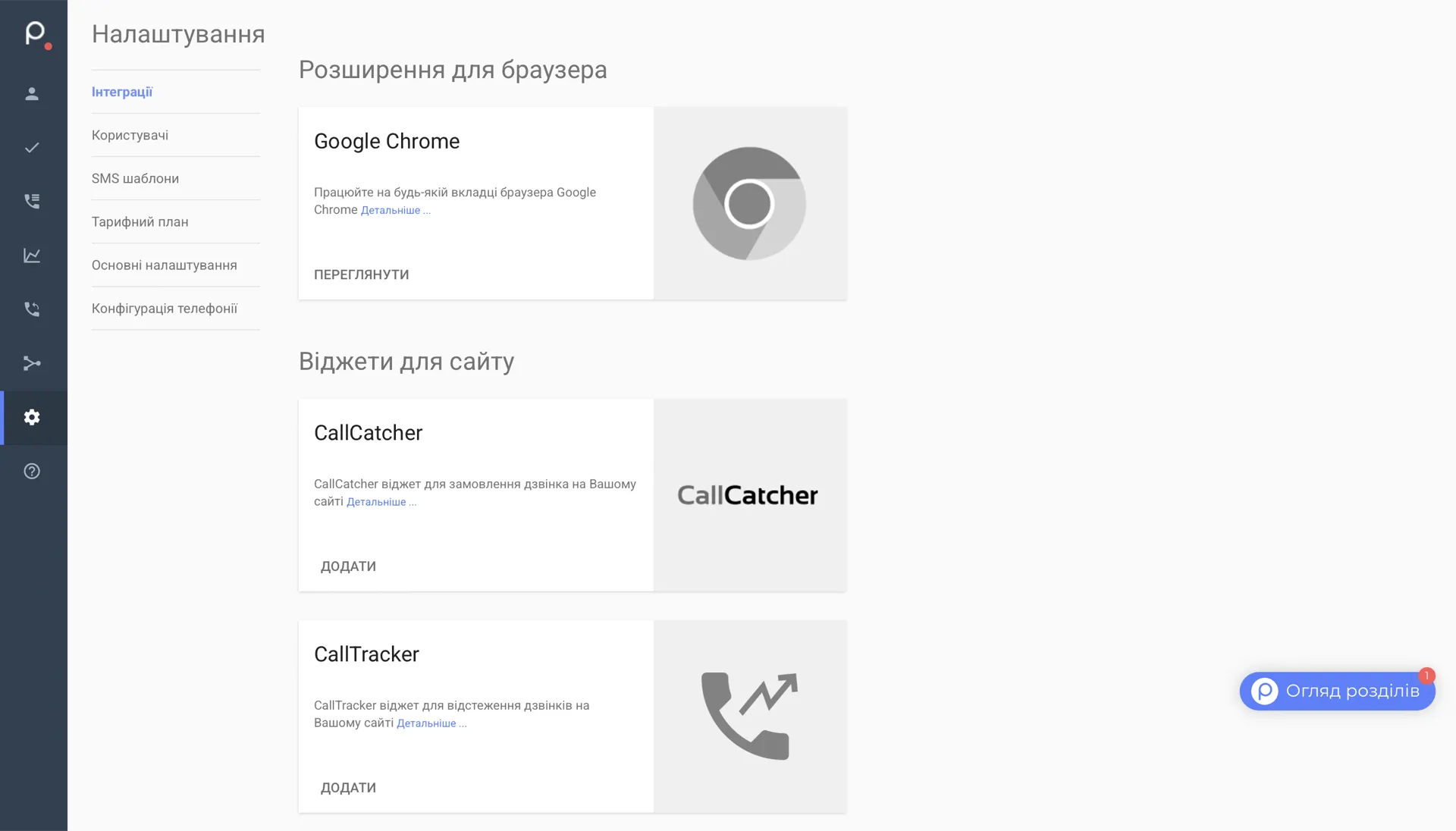
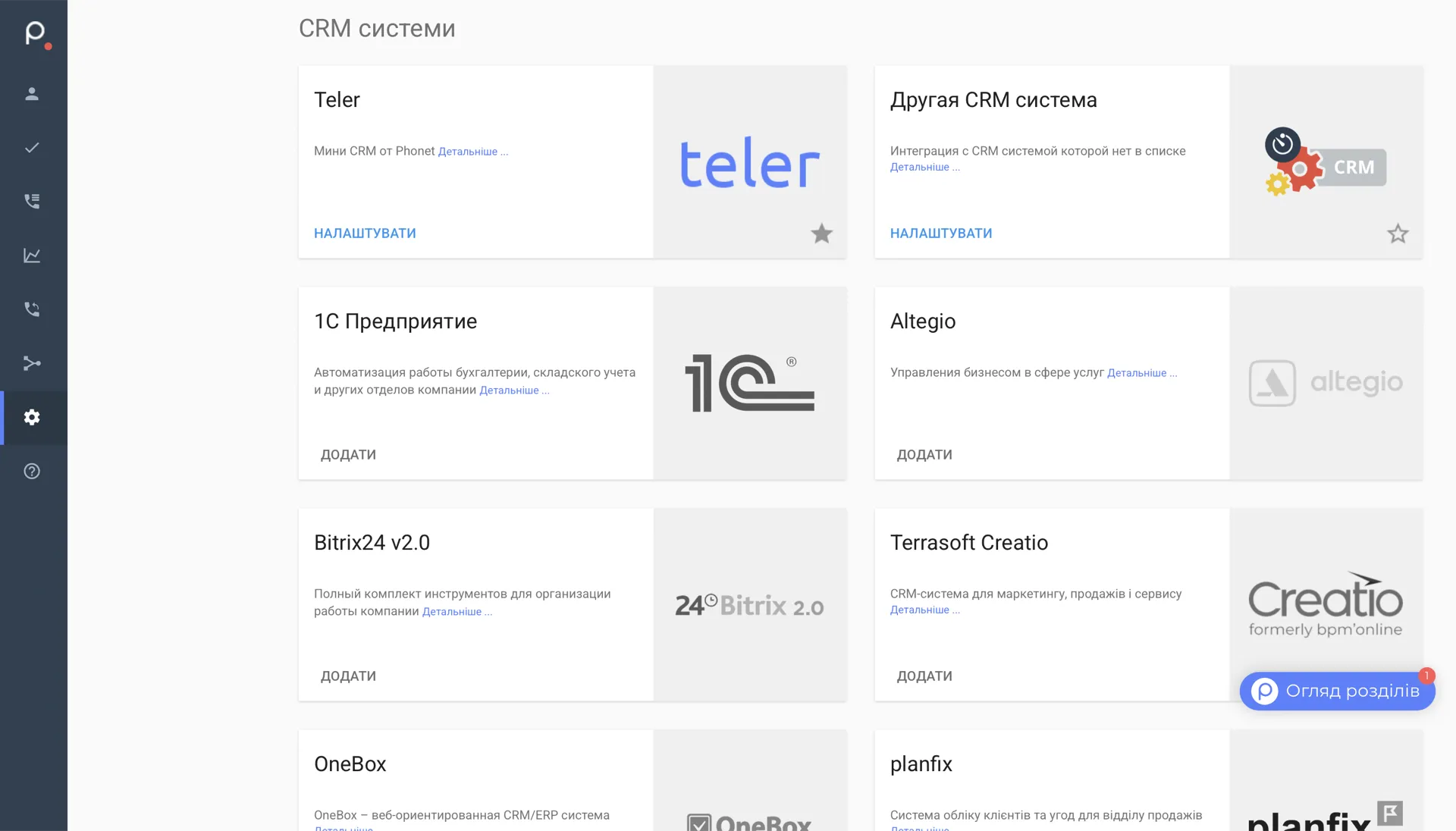
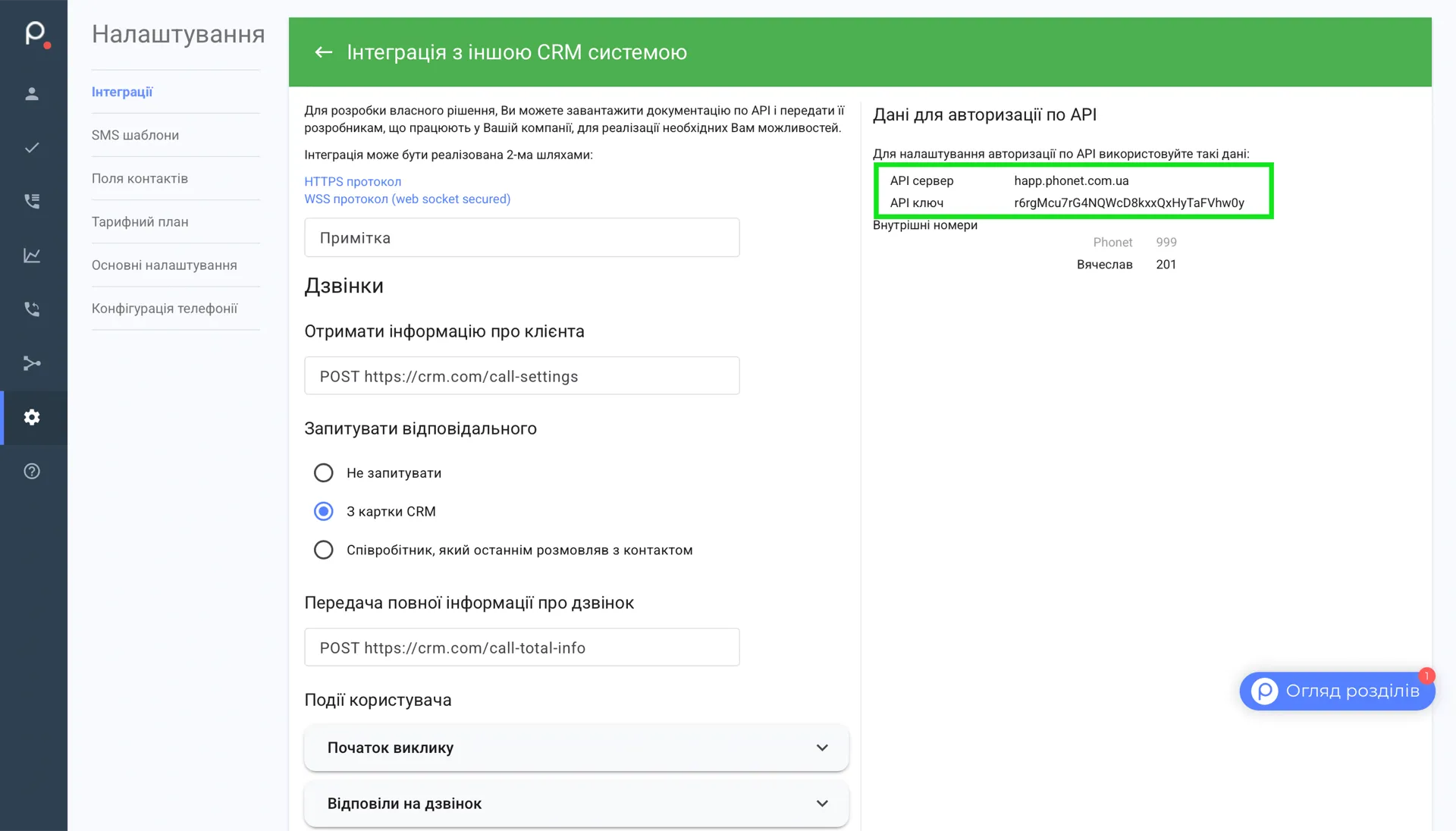
Three clicks inside the Phonet admin to a ready Auth-key. Watch the walkthrough on the right.
Open Settings → Integrations in your Phonet admin
Scroll down to «CRM системи» and click «Налаштувати» on «Друга CRM система»
API server and API key appear in the green box — copy into HAPP

Phonet
Webhook URL for calls — generated for your account
Webhook URL
Events the webhook fires
API credentials (from Phonet)
HAPP has already generated your webhook URL and is waiting for the Key and Secret. Copy the URL into your Phonet email, then come back to paste the keys when they arrive.
Open HAPP
 Call Webhook
Account Information
https://api.happ.tools/api/voice-assistant-webhooks/call-event
06.02.2026, 14:41
 Telegram Push
Account Information
Slava Saloid
24.01.2026, 16:53
 Phonet
Account Information
happ-tools.phonet.app
08.02.2026, 16:22
The green «Connected» pill in the assistant's integrations — calls flow into HAPP straight away with transcription, scoring, and Voice AI.
Try it freeDashboard, rep scoring, voice AI — all inside HAPP.
Click a tab to peek inside.
Team
Managers this week
Avg score
76
Total
437
A. Petrenko
142 calls
23
92%
87
+8
I. Kovalenko
118 calls
18
81%
79
+3
M. Shevchenko
96 calls
11
68%
72
5
T. Bondar
81 calls
7
54%
64
12
How to safely turn the Phonet integration off or back on — and what happens to your calls and credentials.
Disconnect
How to disconnect Phonet
Two steps in HAPP — the assistant stops handling calls, recorded ones stay put.
What happens after disconnecting
Reconnect
How to reconnect Phonet
If you still have the keys — two clicks, no email. If not — re-request from support.
What is preserved after reconnecting
Answers to common questions about Phonet with Happ
Phonet only issues API keys and configures webhooks by request to [email protected]. In HAPP create the integration → copy your webhook URL → email Phonet support asking them to point the webhook to that address and send you the API Key and Secret. Usually within a day. Paste the keys back into HAPP and the integration goes live.
About 20 minutes of hands-on work — email Phonet, receive the keys, paste them into HAPP, attach the assistant. Wall-clock time depends on Phonet's reply — typically up to 24 hours.
Speech recognition accuracy is over 95% for clear audio. AI continuously learns and improves recognition quality for your industry.
Yes. You set the sales script, scoring criteria and the weight of each parameter. AI scores every call by your exact standards.
Yes, the voice AI handles inbound and outbound calls 24/7 — no breaks, weekends or sick days.
We use cookies to analyze site traffic and improve your experience. Privacy Policy